

Educator Rating
Overview
If you found a great resource, rate the resource to share that feedback to help other educators in the Lesson Planet community find the best learning objects within the repository.
Rating a Resource within a Collection or on the Resource Review Page
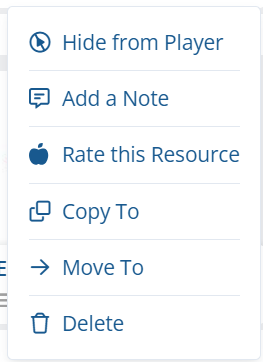
- After clicking on Edit from the My Content, there will be an Actions button to click on each of the resource cards.
- Under Actions, select the option Rate this Resource.
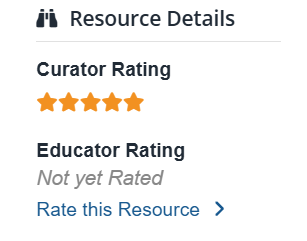
- If you are on the review page of the resource, you can find Rate this resource to the left under Resources Details.
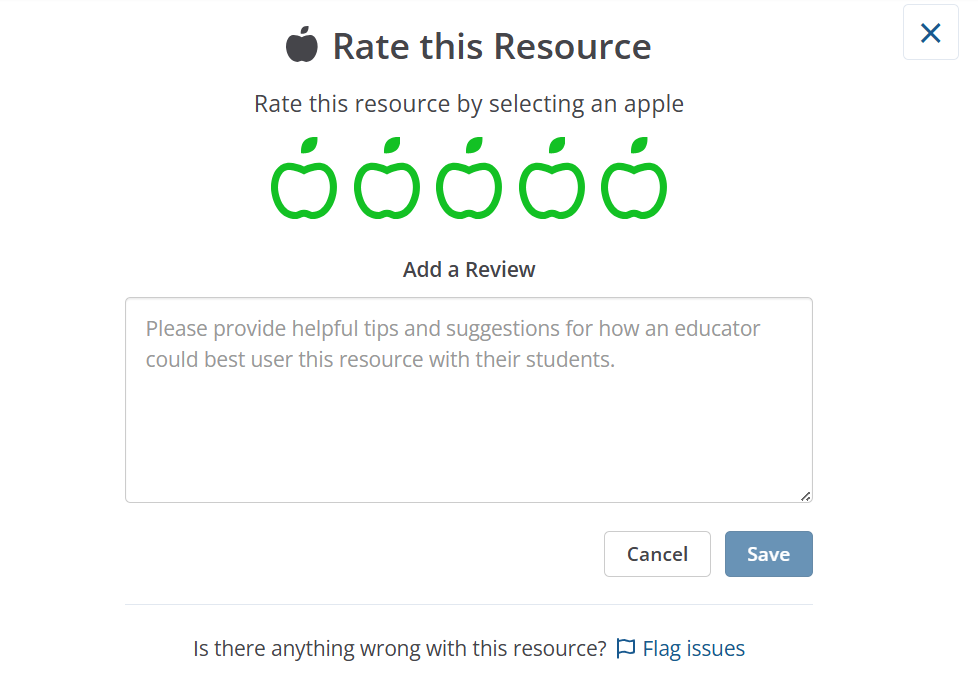
- Simply select apples 1-5 (1 apple being the lowest rating and 5 being the highest rating) and add your review of the resources in the box below.
Still need help? Submit a request.