

Additional Filters to Get More Specific
Overview
Want to narrow your search down even more?! This section goes over the additional filters that are listed below the Standards, which are filters that drill down to more specific criteria that are found in all of our reviewed resources.
Additional Filters
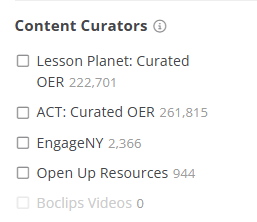
- Content Curators: This filter showcases the top curated resources on the site.
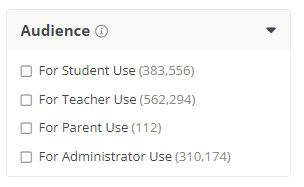
2. Audience: If you are looking for resources that are specific to only students, such as a worksheet, activity, project, etc. you can select For Student Use. If you need a resource that provides a teacher reference or more instructions, select For Teacher Use.
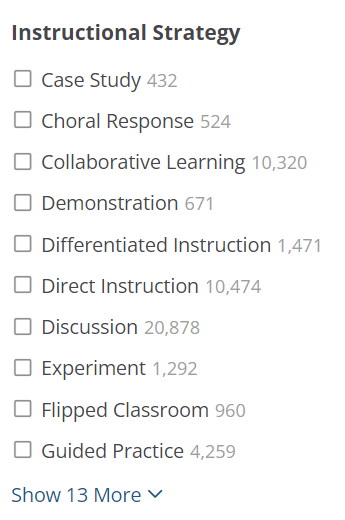
3. Instructional Strategy: Select an Instructional Strategy that best meets your students' needs. We have resources across all the instructional strategies that help students effectively accomplish tasks or meet goals.
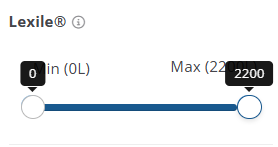
4. Lexile: The Lexile filter gives a level scale from 0 to 2200 so you can filter by the reading level of where your students are at.
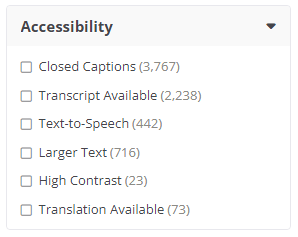
5. Accessibility: If you need resources that support hearing-impaired or visually impaired students, you have the option to filter by Accessibility to help cater to those students' needs.
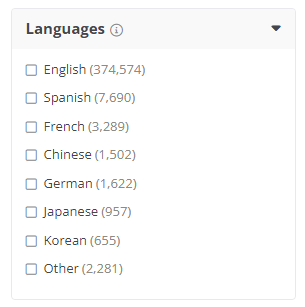
6. Languages: The Languages filter gives you the ability to search for resources that include material in a language other than English.
Still need help? Submit a request.